
 Focus – Goals Widget
Keep what matters in sight.
A simple Windows 11 widget for keeping up to five personal goals visible. Choose what you're focusing on and keep it close, without another account or productivity dashboard.
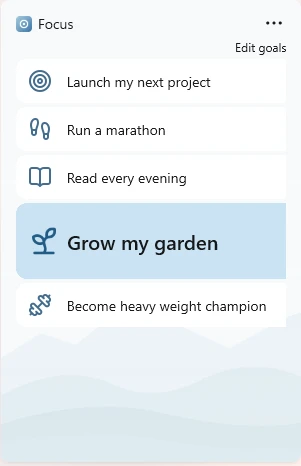
A little space for what matters
Up to five goals
Keep your personal goals close. Reorder them as your priorities change.
Pick your focus
Choose the goal that matters right now and give it a little more space.
Edit directly in Widgets
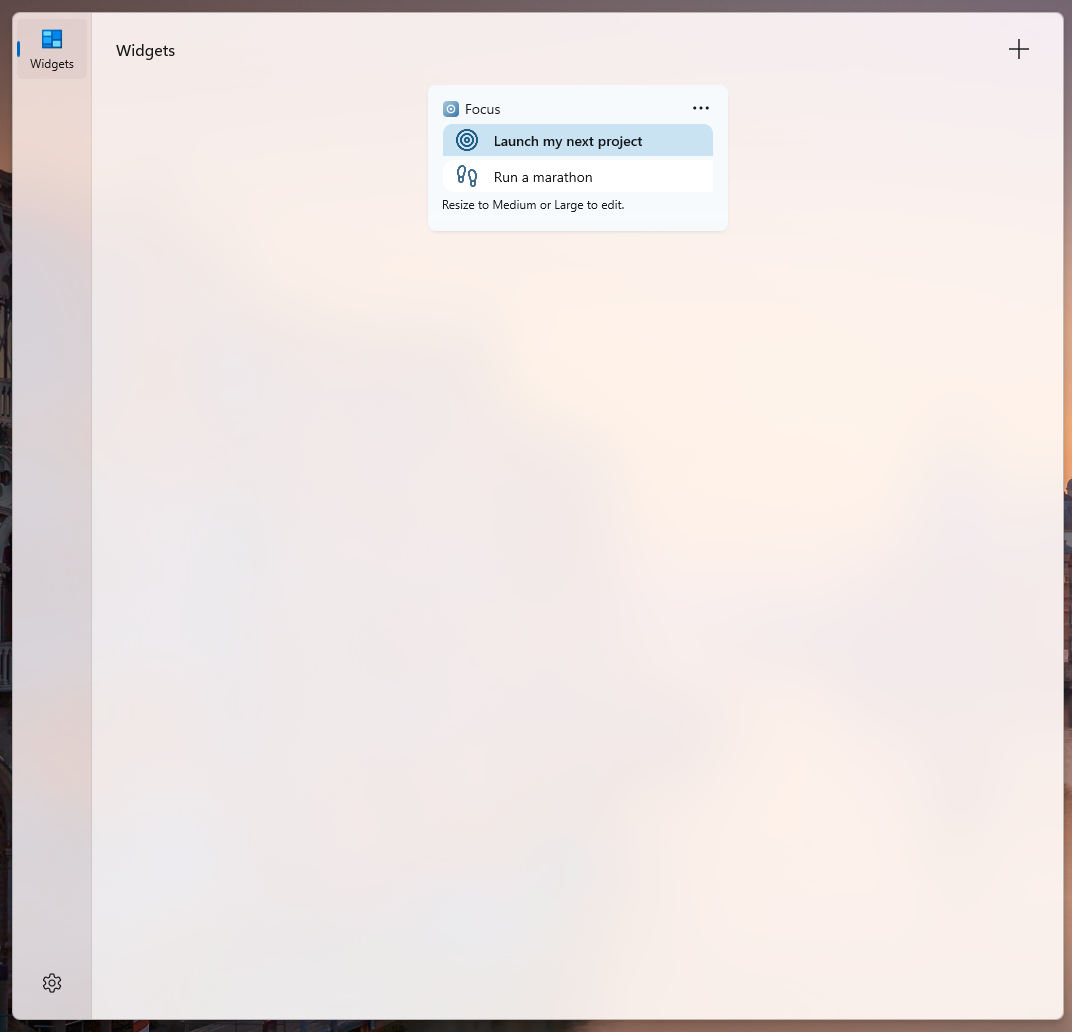
Set and update your goals in the Widgets Board. Resize to Medium or Large to edit.
Private and local
Goals and settings stay on your device. No advertising or analytics.
No account needed
No sign-in or account to manage. Just your goals, in your own words.
Available in ten languages. Your goals stay in your own words.
At home in Windows Widgets
Three widget sizes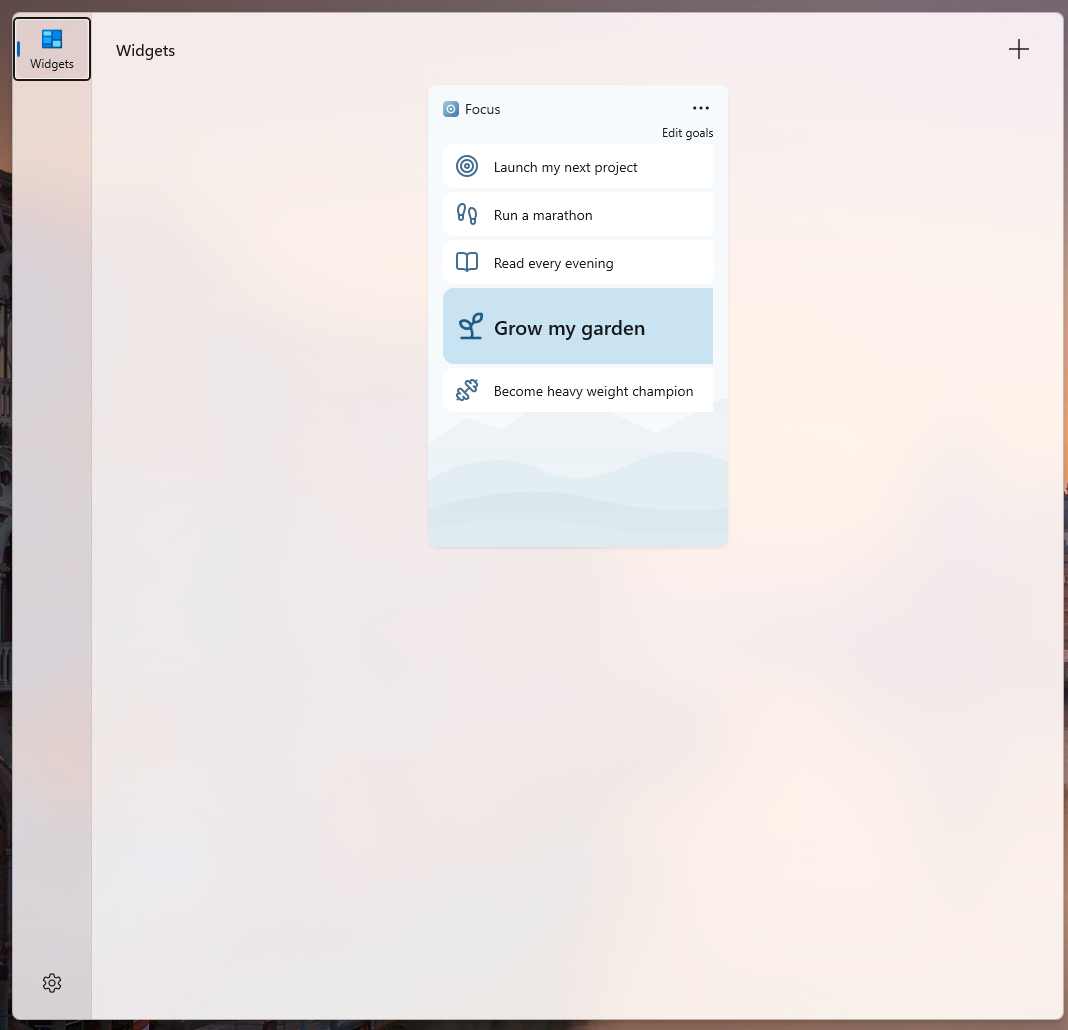
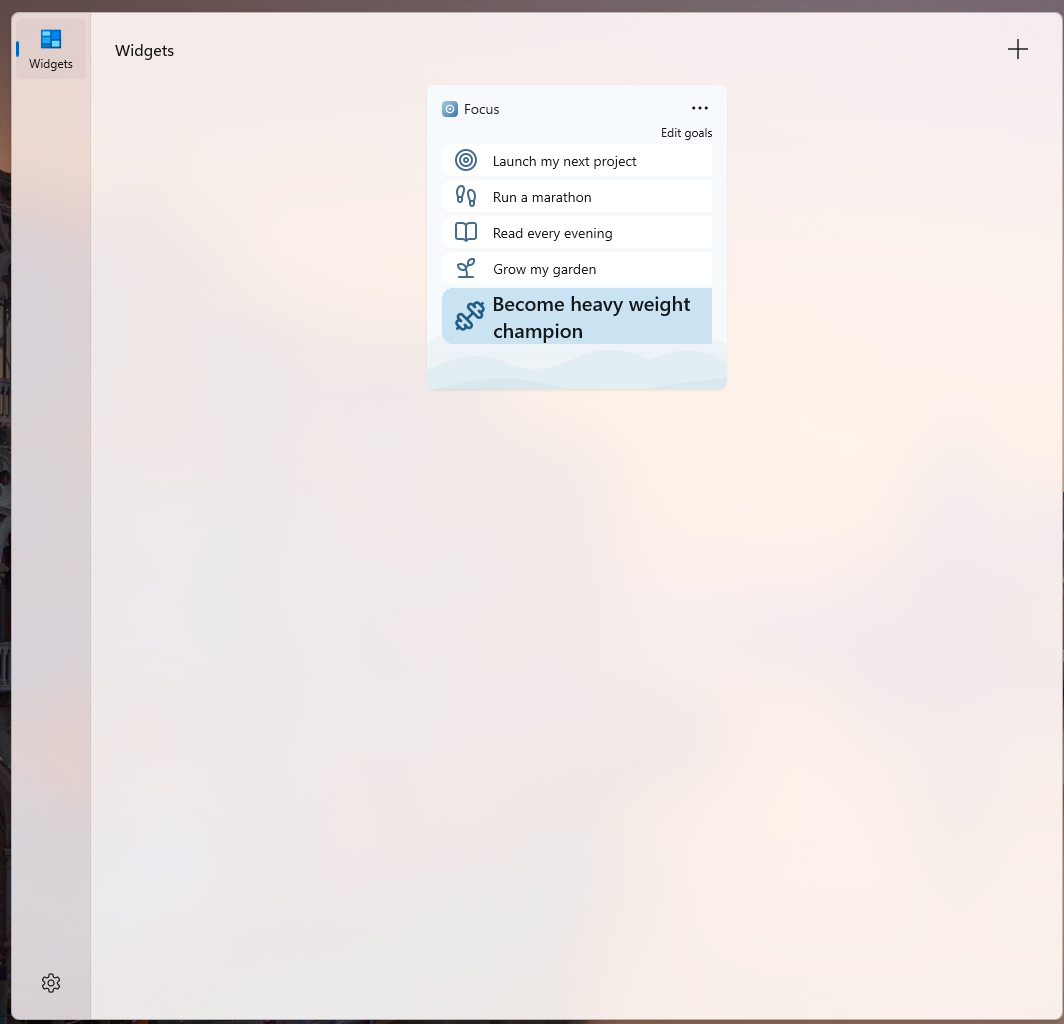
Pin it.
Make it yours.
- Get Focus from Microsoft Store.
- Press Win + W to open Windows Widgets.
- Choose Add widgets, find Focus and pin it.
- Select Set your goals to begin.
Focus is a Windows Widgets Board widget, not a standalone desktop application. It has no separate app window or Start menu application. Once pinned, resize it to Medium or Large to edit your goals.
Keep your goals close.
Five goals. One focus. A place in your everyday workflow.